Screens from ready-made widgets
Read the widget docsCharts, gauges, tables, forms, scanners and signatures. Heisenware tests and maintains every one.

Apps
Everything factory software needs, ready to use: widgets, a backend that runs on its own and your own look. Your apps work with your machines, your existing systems and any API.

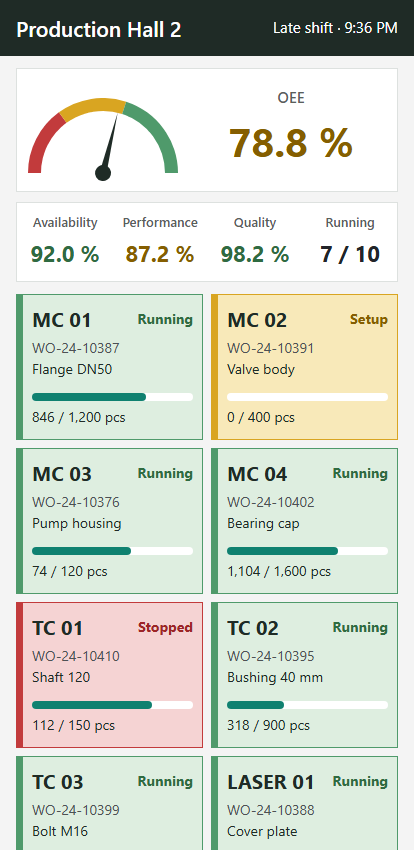
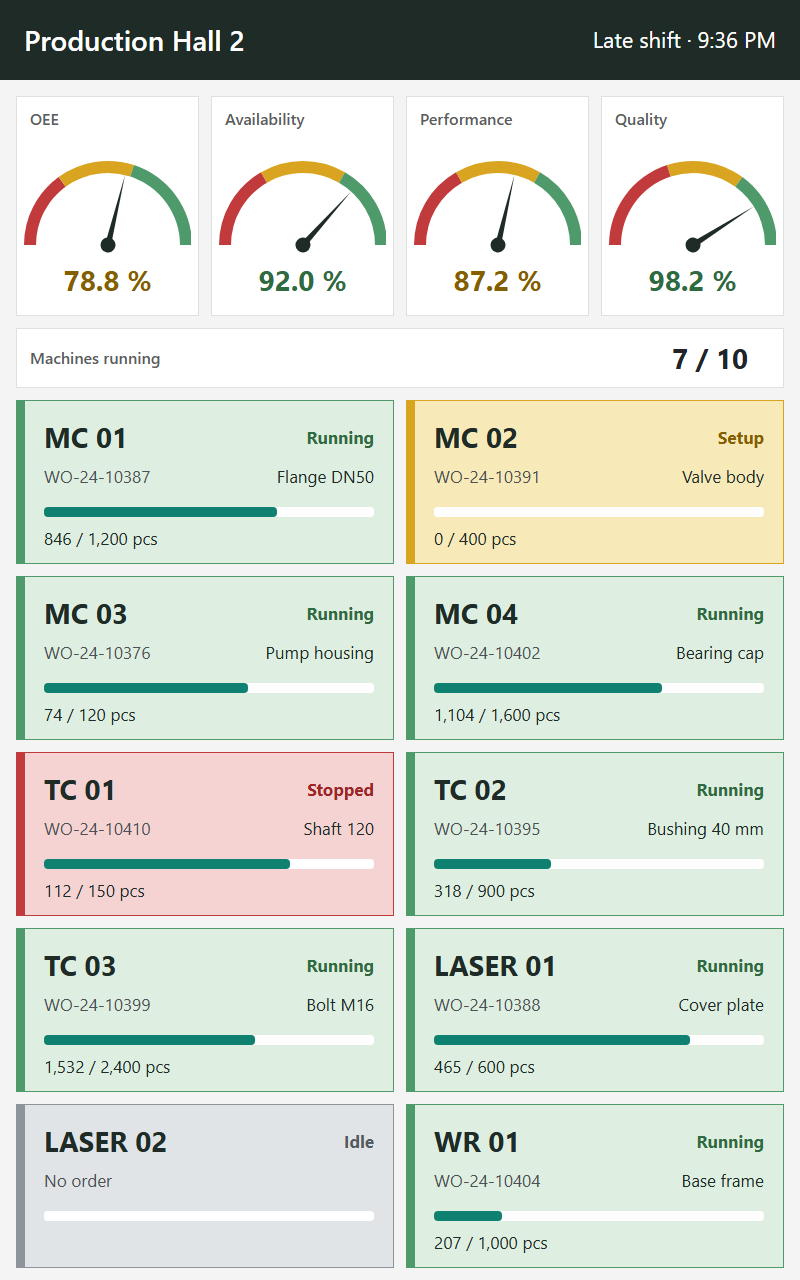
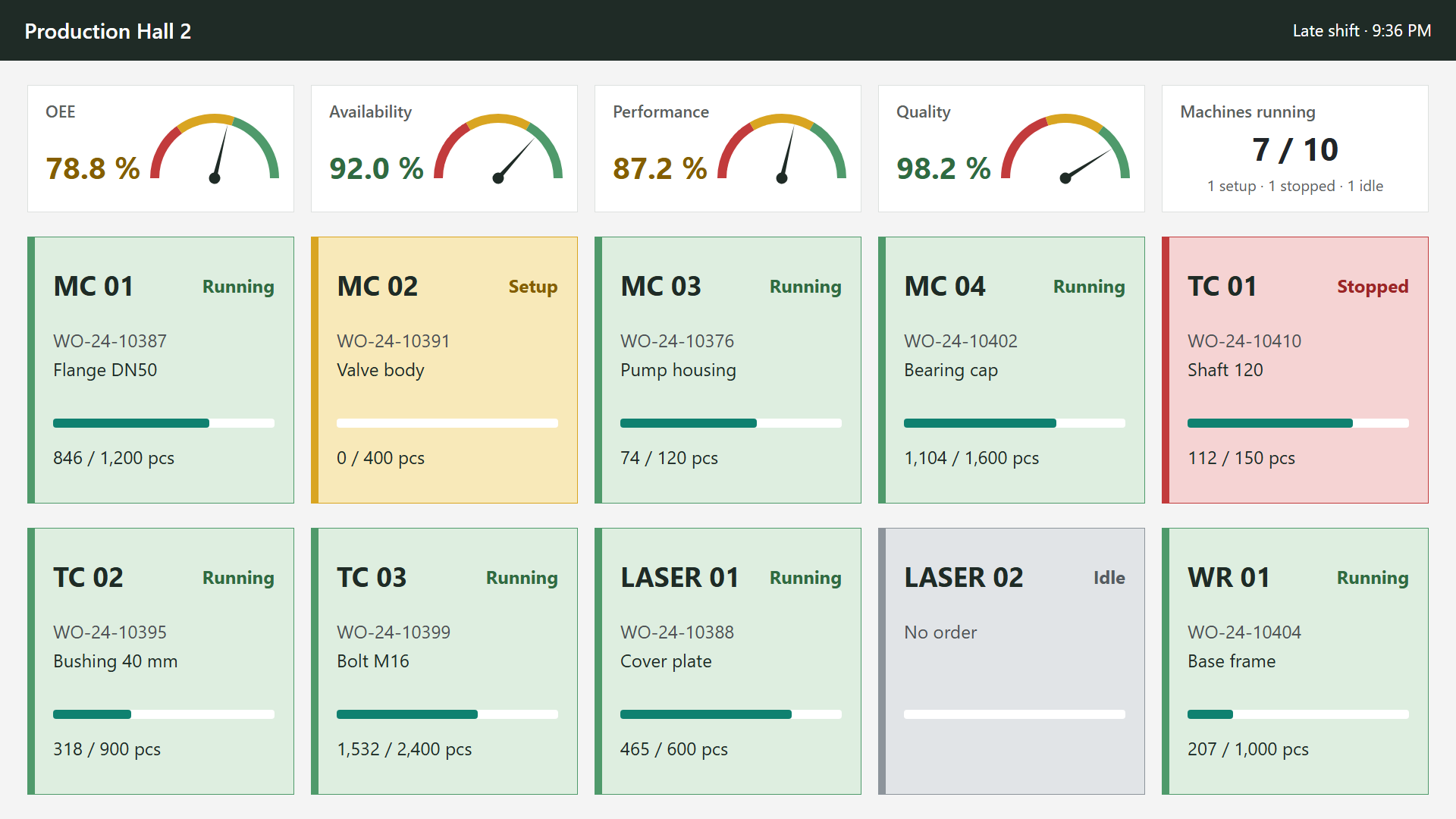
Charts, gauges, tables, forms, scanners and signatures. Heisenware tests and maintains every one.
It reacts to machine values and sends the email at 3 a.m., with no screen open. An app can also be pure logic, such as an automation.
Every workspace has built-in databases for records and for values over time. Any number of apps use them, so one app writes what another shows.
Sign-in and sign-up come built in, with email and password or with Google in our cloud. Every plan has unlimited users.
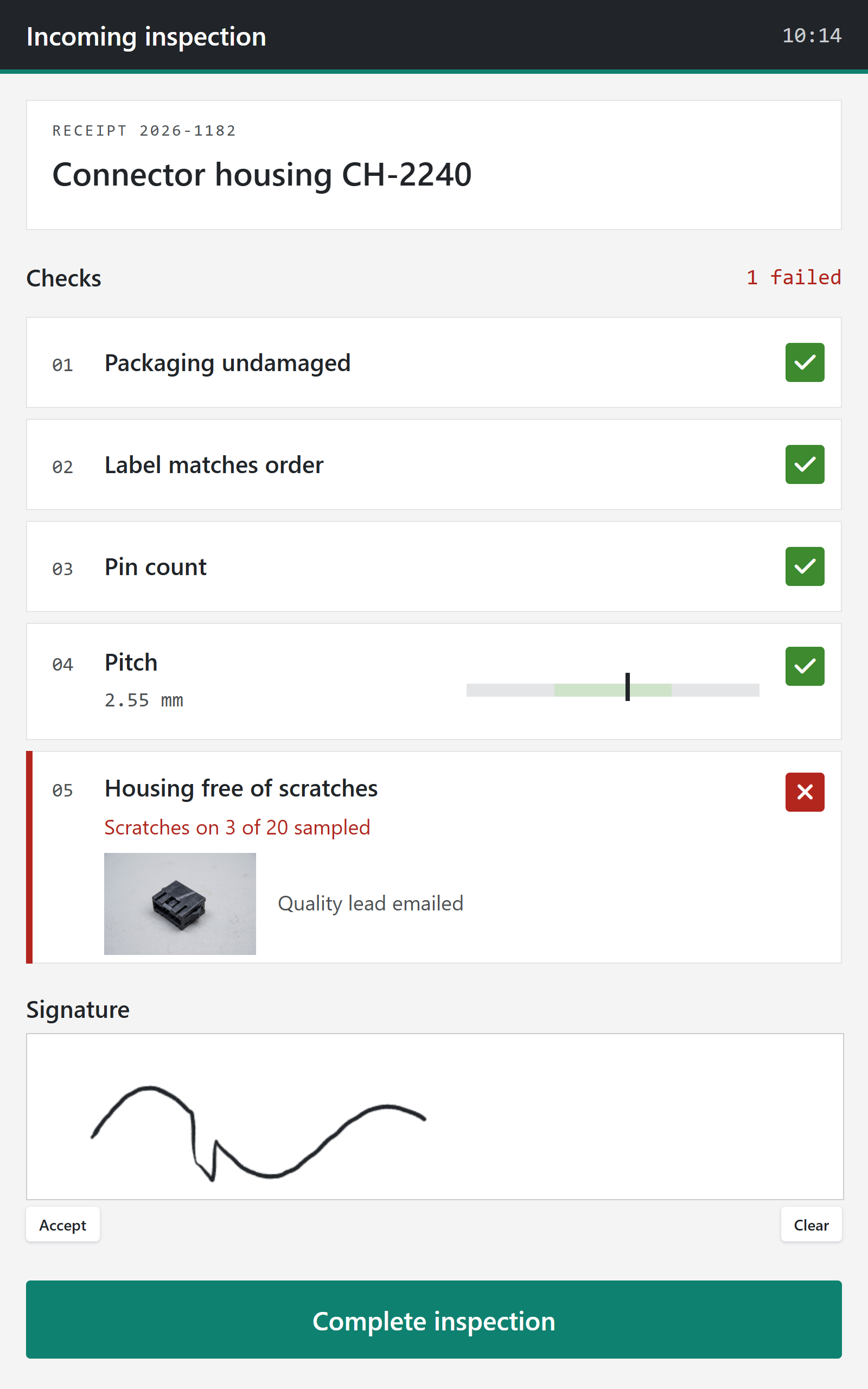
Apps do more than show data and take typed input. Operators scan barcodes and QR codes, take photos of a defect, upload files and sign on the screen.
Your users ask the app about its data in their own words. Nobody has to build a new screen for a one-off question. Ask is in beta. It reads your data and changes it only through actions the app already offers.

What are the most common stop reasons, and when do they occur? Ask answers with tables and charts from your data. Users can also ask from their own AI client, such as ChatGPT or Claude.

Ask for a report, and you get a PDF with key figures, tables and charts, ready to download and share.
Set your colors, your font and UI details such as rounded corners once. Every screen follows, and everyone sees at first glance that the app is yours.

Apps built with Heisenware are progressive web apps. They open in Chrome, Edge, Safari or Firefox, on iOS, Android, Windows, macOS and Linux. Users install them to the home screen like any other app. No app store needed.
Decide for each app who gets in: anyone with the link, a shared password, or invited users who sign in. You invite users by email and see who uses each app.

An app speaks your users' language, from the buttons to the sign-in screen. Dates and numbers follow it too. The Assistant translates an app into a copy for each further language.
 English
 German
 French
 Spanish
 Italian
 Portuguese
 Dutch
 Polish
 Czech
 Turkish
 Japanese
 Simplified Chinese
Screens, logic and data. The screens are built from ready-made widgets such as charts, gauges, forms, barcode scanning and signatures. The logic reacts to machine values, taps and timers. The data sits in the built-in databases. Heisenware is an industrial application platform. Manufacturers and machine builders use it to build software for their shop floor by prompt.
Heisenware apps are progressive web apps: websites that behave like installed apps. That brings four things. One app runs on every device and system, in any modern browser. Users open it from a link or QR code and can add it to the home screen, where it starts full screen with its own icon. There is no app store and nothing for IT to install. And when you deploy a new version, every user gets it with the next reload.
Without internet, yes. On your own server, Heisenware and its apps run inside your network, even air-gapped. An app needs a connection to that server. If the network drops, the screen keeps its last values and takes new input once the network is back. Apps that work with no network at all are possible on request.
Yes, on request we package an app for the stores. Google Play and the Microsoft Store accept progressive web apps. Apple reviews every app and wants more than a website in a frame, so there it depends on the app. Most customers skip the stores: users open the app from a link or QR code and add it to the home screen.
Yes. You export an app as a single bundle file (.hwt). It holds the app, its files and the structure of its tables, but no data rows and no passwords. You can import it into another workspace or another Heisenware server. Since it is one file, you can also keep your apps in a Git repository.
Yes. The logic runs on the platform even when no screen is open. So an app without screens works as a data bridge, for example from a PLC to a SQL database.
Get the complete platform to take industrial software development into your own hands.